Buying a new TV should be exciting.
But once you start looking, things can quickly get confusing.
OLED, QLED, Mini LED, 4K, HDR, 120Hz, Dolby Vision, HDMI 2.1 – there are plenty of terms competing for your attention.
Then there is the biggest question of all: which TV is actually right for your home?
The good news is that you don't need to understand every piece of TV technology before buying one.
What matters is choosing a TV that suits your room, viewing habits and budget.
This TV buying guide explains the important things to consider when buying a new TV in the UK in 2026.
1. Start With the Right TV Size
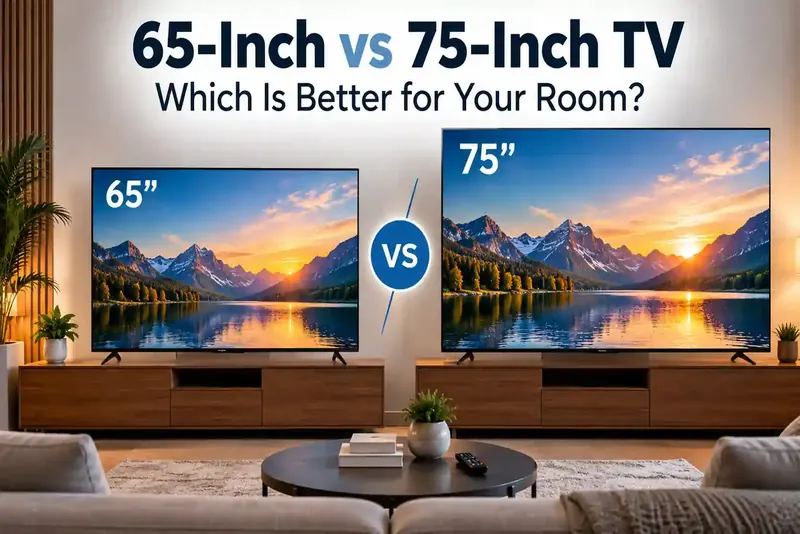
One of the first decisions is screen size.
It is tempting to think that bigger is always better, but the right size depends on where the TV will be placed and how far away you normally sit.
For many UK living rooms, 55-inch and 65-inch TVs offer a good balance between screen size and viewing comfort.
A smaller bedroom or flat may be better suited to a 43-inch or 50-inch TV, while larger living rooms can comfortably accommodate 75-inch TVs and above.
As a general starting point:
| TV SizeSuggested Viewing Distance | |
| 43-inch | Around 1.5–2 metres |
| 50-inch | Around 1.7–2.2 metres |
| 55-inch | Around 1.8–2.4 metres |
| 65-inch | Around 2.1–2.7 metres |
| 75-inch | Around 2.4–3.1 metres |
| 85-inch | Around 2.7–3.5 metres |
These are only guidelines.
Some people enjoy sitting closer to a large 4K screen, particularly when watching films or sport.
Before ordering, measure the space where your TV will sit.
Remember to check the width of the television itself rather than relying only on its advertised screen size.
2. Is 4K Still the Best Choice in 2026?
For most households, yes.
A 4K Ultra HD TV has a resolution of 3840 × 2160 pixels and provides considerably more detail than older Full HD televisions.
Most modern TVs from brands such as Samsung, LG, Sony and Hisense now offer 4K across a wide range of screen sizes and prices.
There is also much more 4K content available through streaming services, games consoles and other sources than there was a few years ago.
You may also see 8K televisions.
They offer a higher resolution, but for most households, a good-quality 4K TV remains the more practical option.
Rather than buying based on resolution alone, pay attention to picture processing, contrast, brightness and HDR performance too.
3. LED, QLED, Mini LED or OLED?
This is where TV shopping can become confusing.
Here's the simple version.
LED TVs
LED TVs are widely available and usually provide some of the most affordable options.
They can be a good choice for everyday television, Freeview, streaming and family use.
If your priority is getting a larger screen without spending too much, an LED TV is worth considering.
QLED TVs
QLED technology uses quantum dots to improve colour and brightness.
QLED TVs can work particularly well in brighter living rooms where reflections and daylight may be an issue.
Samsung is especially well known for QLED televisions, although the technology is now available from several manufacturers.
Mini LED TVs
Mini LED TVs use much smaller LEDs in the backlight.
This allows more precise control over different areas of the screen and can improve brightness and contrast.
They can be an attractive choice if you want strong HDR performance and a bright picture for films, sport and gaming.
OLED TVs
OLED TVs work differently because individual pixels can produce their own light.
Pixels can switch off completely when displaying black, creating excellent contrast and deep black levels.
This makes OLED particularly appealing for films, premium TV programmes and gaming.
If you regularly watch TV in the evening or in a darker room, OLED can provide an impressive viewing experience.
4. Think About Where You Watch TV
Your room matters more than you might expect.
Imagine a bright living room with large windows and sunlight coming in during the afternoon.
A television with strong brightness and good reflection handling may be more suitable.
Now imagine a darker room where most viewing happens in the evening.
Deep blacks and strong contrast may become more important.
This is why there isn't one type of TV that is automatically best for everyone.
Choose according to your home rather than simply buying whichever model has the longest specification list.
5. What Is HDR and Do You Need It?
HDR stands for High Dynamic Range.
It helps compatible TVs display a wider range between the darkest and brightest parts of an image.
That can make films, programmes and games look more realistic.
You may come across formats including:
HDR10 – a widely supported HDR format.
HDR10+ – uses dynamic information to optimise HDR from scene to scene.
Dolby Vision – another dynamic HDR format supported by many streaming services and televisions.
You don't necessarily need to choose a TV based on one HDR logo.
The television's actual brightness, contrast and picture processing also play a major role in HDR quality.
6. Check the Refresh Rate
Refresh rate tells you how many times the television can refresh its image each second.
A 60Hz TV is perfectly suitable for normal programmes, films and everyday streaming.
A 120Hz or higher refresh rate becomes more useful if you watch a lot of fast-moving sport or play games on newer consoles.
Football fans, for example, may appreciate smoother motion when watching quick camera movements.
Gamers can also benefit from higher refresh rates when the game and console support them.
7. Buying a TV for PS5 or Xbox?
If gaming is important to you, don't choose your TV based only on picture quality.
Look for gaming features such as:
- HDMI 2.1
- 4K at 120Hz support
- Variable Refresh Rate (VRR)
- Auto Low Latency Mode (ALLM)
- Low input lag
- HDR gaming support
These features can provide smoother gameplay and make better use of consoles such as the PlayStation 5 and Xbox Series X.
If you only play occasionally, you may not need every premium gaming feature.
8. Check How Many HDMI Ports You Need
This is an easy detail to forget.
Think about everything you may want to connect.
You might have a:
- Sky or Virgin Media box
- Games console
- Soundbar
- Blu-ray player
- Streaming device
If you have several devices, check the number of HDMI connections before buying.
For a soundbar, it is also worth checking whether the TV supports HDMI ARC or eARC.
This can make connecting and controlling compatible audio equipment much easier.
9. Don't Ignore the Smart TV System
Most televisions sold today are smart TVs.
This means you can access streaming apps directly from the television without needing a separate streaming stick.
Depending on the TV and platform, popular services can include BBC iPlayer, ITVX, Channel 4, Netflix, Prime Video, Disney+ and YouTube.
Different brands use different smart TV systems.
The best one for you is usually the one that feels quick and easy to use and supports the apps you regularly watch.
Before buying, check app availability if a particular streaming service is important to you.
10. Don't Choose a TV Based on Picture Quality Alone
A TV can have an excellent screen but still be frustrating to use.
Consider the complete experience.
Ask yourself:
Is the remote easy to use?
Does the TV support the apps I watch?
Are there enough HDMI ports?
Will my soundbar connect easily?
Does it support my games console properly?
Will the stand fit my TV unit?
Can it be wall mounted?
These small details can make a big difference once the TV is in your home.
11. Samsung, LG, Sony or Hisense – Which Brand Should You Choose?
There isn't one brand that is right for everybody.
Samsung TVs offer a wide selection ranging from everyday 4K models to QLED, Neo QLED and OLED televisions.
LG TVs are particularly well known for OLED models while also offering LED and QNED televisions across different budgets.
Sony TVs are often considered by shoppers looking for strong picture processing, film performance and premium models.
Hisense TVs can be attractive to buyers looking for plenty of features and larger screen sizes at competitive price points.
Instead of choosing purely by the logo on the front, compare individual models.
Two TVs from the same manufacturer can offer very different features and performance.
12. How Much Should You Spend on a New TV?
Set your budget before you start comparing models.
Otherwise, it is surprisingly easy to move from a reasonably priced 55-inch TV to a premium model costing considerably more.
Think about what you actually use your television for.
If you mainly watch Freeview and Netflix, you may not need a top-end gaming television.
If you love films, watch sport every weekend or regularly use a PS5 or Xbox, spending more on better picture performance and features may make sense.
The aim isn't to buy the most expensive TV.
It is to avoid paying for technology you are unlikely to use.
13. Common TV Buying Mistakes to Avoid
One common mistake is choosing a TV simply because it is on offer.
A discount doesn't automatically make a television suitable for your home.
Another mistake is buying based entirely on screen size.
A huge TV with poor picture quality may not give you the experience you expected.
Also avoid focusing on a single specification.
A TV isn't automatically better because it has 4K, HDR or a high refresh rate written on the box.
Look at the complete specification and consider how you will actually use it.
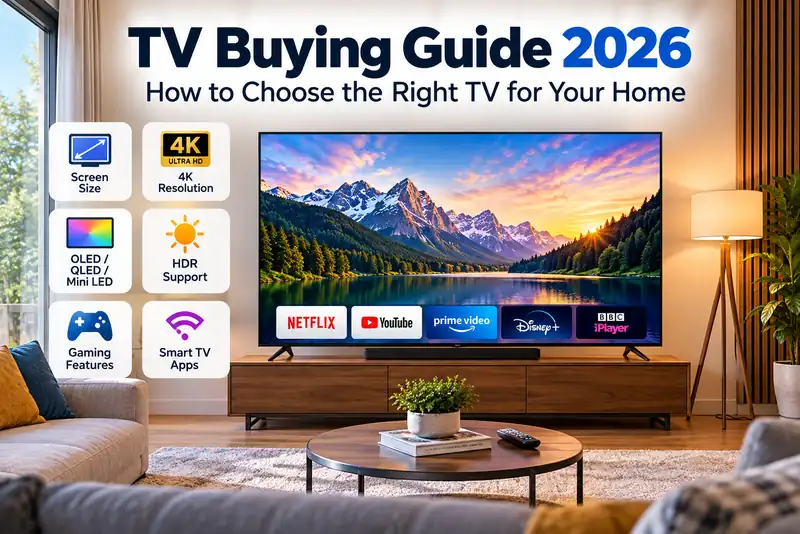
Quick TV Buying Checklist
Before buying your next television, check:
- Screen size
- 4K resolution
- LED, QLED, Mini LED or OLED technology
- HDR support
- Refresh rate
- HDMI connections
- HDMI 2.1 if required for gaming
- Smart TV apps
- Soundbar compatibility
- Stand dimensions
- Wall mounting compatibility
- Delivery information
- Warranty information
Spending a few minutes checking these details can save a lot of hassle later.
Which TV Should You Buy in 2026?
The right TV is the one that suits your room and the way you watch.
For everyday viewing, a good 4K LED or QLED television may provide everything you need.
For films and evening viewing, OLED could be worth considering for its deep blacks and contrast.
For bright rooms, sport and HDR viewing, QLED or Mini LED can be attractive options.
Gamers should pay particular attention to HDMI 2.1, refresh rate, VRR and input lag.
And if you're deciding between screen sizes, measure your room before ordering.
A little research before buying can make a big difference to what you enjoy watching for the next several years.
Find the Right TV at ShopTVs
At ShopTVs, you can explore TVs from leading brands including Samsung, LG, Sony and Hisense across different screen sizes, technologies and budgets.
Whether you're looking for a TV for the living room, a larger screen for films and football, or a gaming-ready 4K television, compare the features that matter to you before making your choice.
Browse the latest televisions at ShopTVs.co.uk and find a model that fits your home, viewing habits and budget.